🔰 Getting Started
Smart Notifire (referred to as “this app” below) announces received notifications by voice.
Therefore, immediately after installation, you cannot add voice announcement rules until the app receives a notification.
For checking how the app works, this app includes one voice announcement rule in advance.
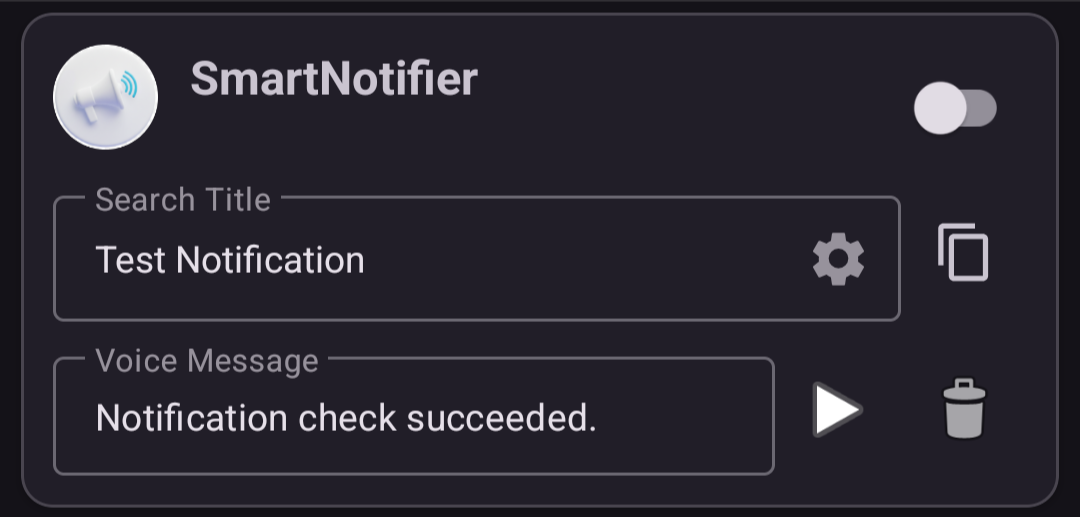
Let’s try this voice announcement rule and confirm how the app works.
🔆 You can check the basic behavior with only tap operations.
1️⃣ Launch the app
When you launch the app for the first time, the settings screen for “Notification access” is displayed.
Enable it by following the on-screen instructions.
Note: This permission is used only to read notification titles aloud.
2️⃣ Check notifications

- Tap the Notify button to send a test notification from this app.
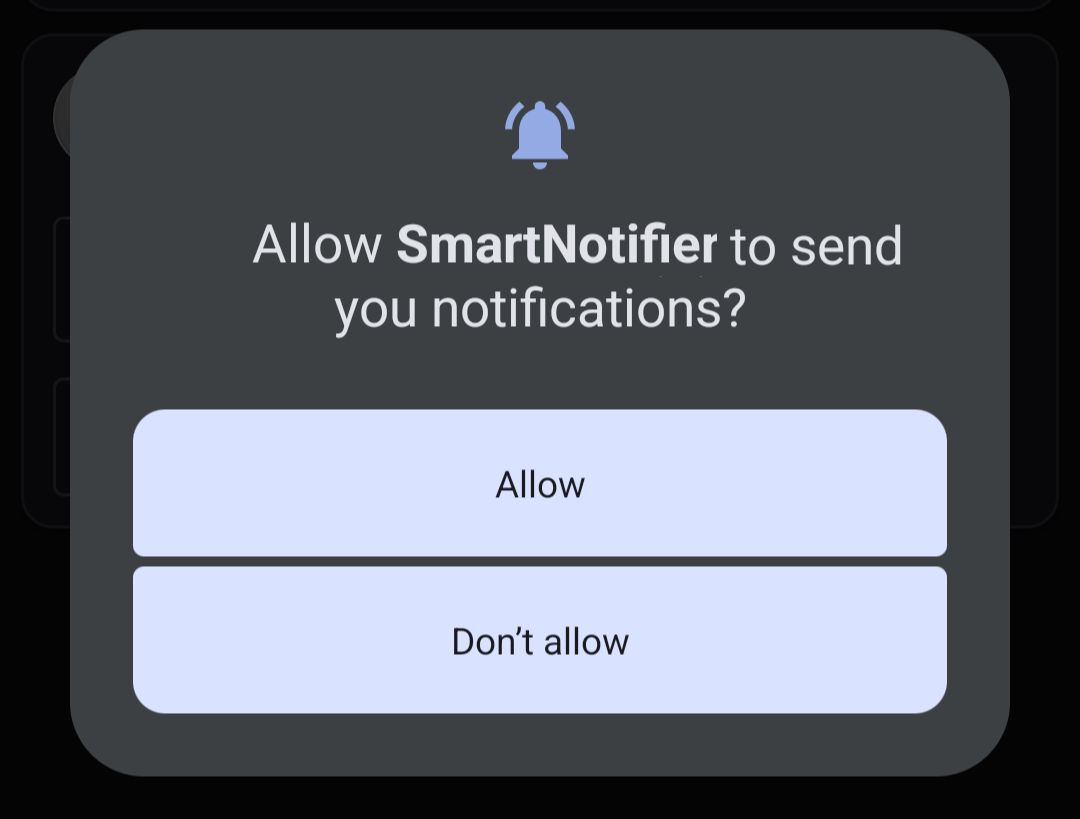
- A dialog asking whether to allow notifications is displayed. Tap Allow.
- The notification is sent, and the notification sound plays.
3️⃣ Enable the voice announcement rule
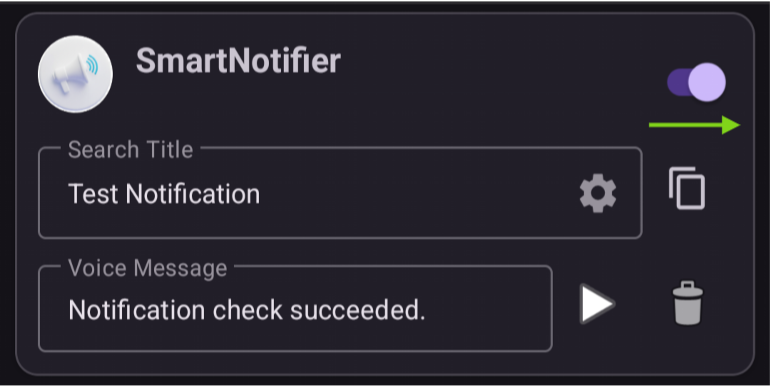
- Tap the permission switch to enable the voice announcement rule.
4️⃣ Check the voice announcement
- Tap the Notify button from step 2️⃣ again.
- The notification sound plays, and after 3 seconds, the voice message is read aloud.
This is the basic behavior of this app. Next, see Adding a voice announcement rule.
Back to the top page